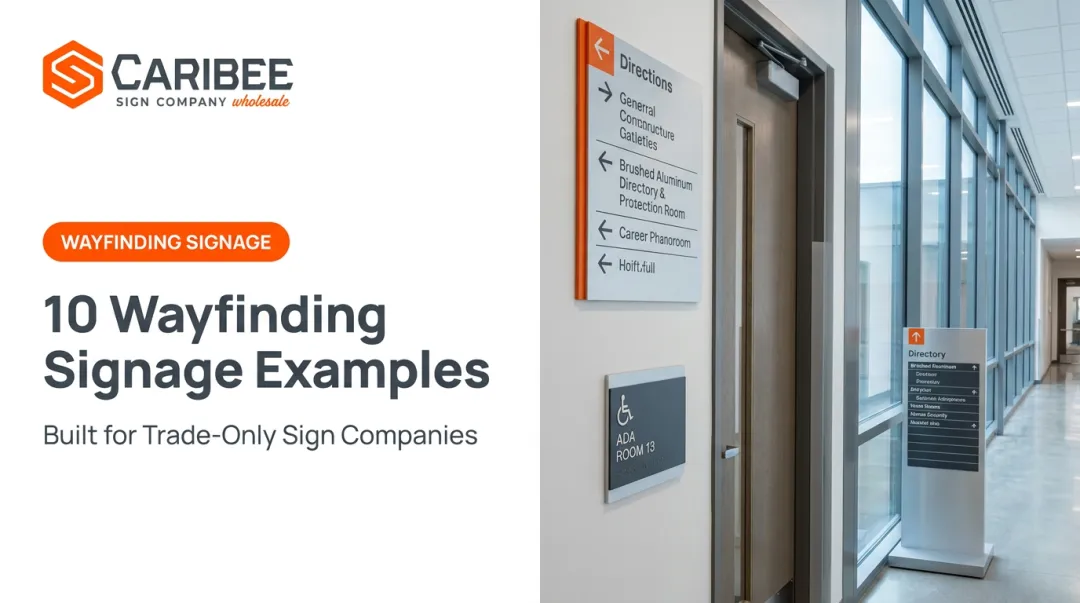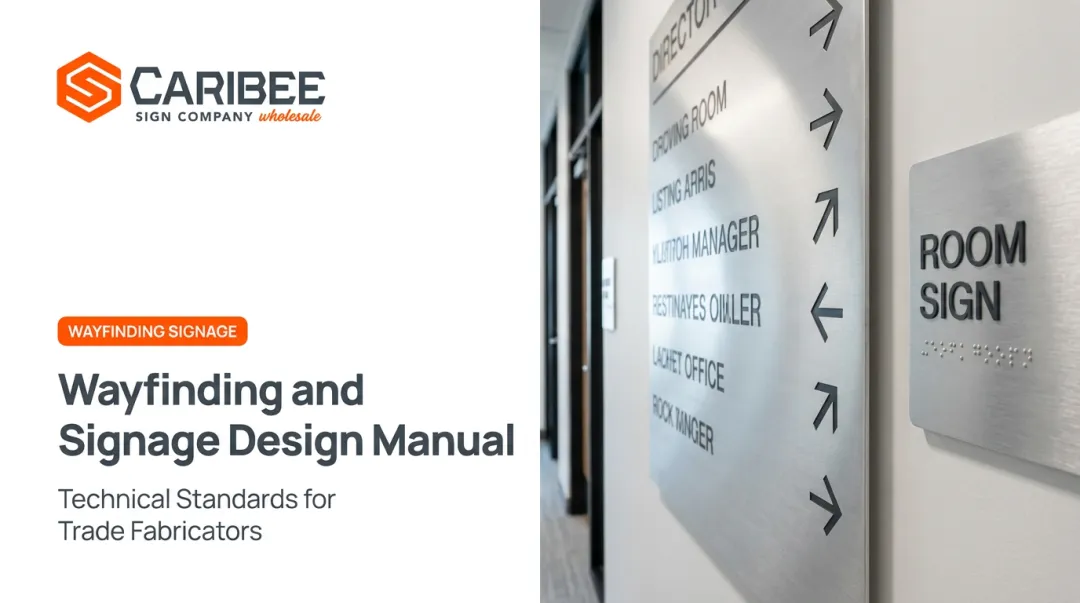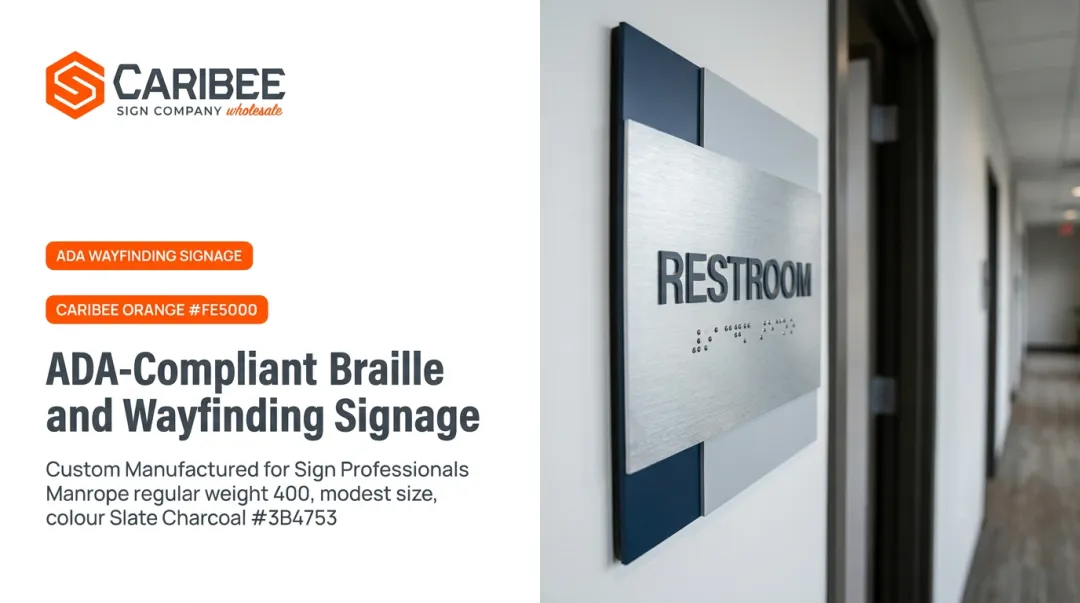

These moments shape how people feel about an institution before they ever sit in a classroom or meet with an advisor. A 2020 peer-reviewed study of 170 university students and visitors in Hong Kong and Pakistan found that people unfamiliar with a campus scored significantly lower on signage comprehension than repeat visitors, and women reported meaningfully higher initial difficulty than men.
This guide breaks down the signage types, ADA rules, and design process campuses (and the sign companies serving them) need to build a wayfinding system that actually works.
Key Takeaways
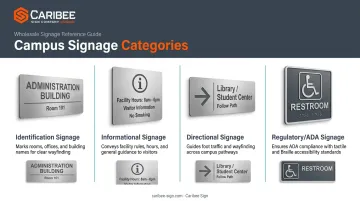
- Campus signage falls into four categories: identification, informational, directional, and regulatory/ADA
- Start with a full campus audit and hierarchy plan, not individual sign orders
- ADA specs (tactile type, braille, contrast, mounting height) belong in the design phase, not a retrofit
- Pairing static ADA signage with digital displays covers more visitors and disabilities than either alone
What Is Campus Wayfinding Signage?
The Society for Experiential Graphic Design describes wayfinding as "a process that encompasses both the experience of choosing a path within a built environment and the set of design elements that aid in such a decision." In practice, that means answering three questions: Where am I? What can I do here? Where can I go from here?
On a single-site retail business, one sign at the door often answers all three. On a multi-building campus with parking structures, quads, and buildings that look nearly identical from the street, those questions multiply at every intersection.
A 2020 systematic review that screened 4,257 studies down to 27 relevant ones flagged congested layouts, weak intersections, and missing information signs as the recurring culprits behind campus navigation failures.
Identification Signage
These signs answer "where am I." Think building nameplates, room number plaques, and entrance markers. They're often the first sign type a visitor encounters and the last one they check before deciding they're lost.
Informational Signage
This category covers operational details: building hours, amenity locations, restroom accessibility features, or department listings. It doesn't tell someone where to go, but it tells them what's here.
Directional Signage
Arrows, distances, and floor decals that guide movement from point A to point B. A multi-building directory sign at a central quad, listing each building name with an arrow and walking distance, is a classic example that reduces the guesswork at a major decision point.
Regulatory & ADA Signage
This category exists for legal compliance, not just convenience. It includes the International Symbol of Accessibility, "no smoking" postings, and accessible restroom directional signs. It's also the category where campuses most often fail compliance audits, which is why the best-practices section below spends so much time on it.
Indoor vs. Outdoor Wayfinding Applications
Not every sign type belongs everywhere. Outdoor and indoor environments come with different rules, different materials, and different accessibility requirements.
Outdoor Wayfinding Signage
Outdoor systems typically include:
- Entrance monument and identification signage that combines branding with first-impression directional information
- Parking lot directionals guiding drivers to visitor, staff, or accessible parking
- Pathway maps showing walk times between buildings, which matter more than distance alone on hilly or sprawling campuses
Digital outdoor kiosks add another layer here. Universities have deployed solar-powered outdoor wayfinding kiosks that display real-time closures, event schedules, or weather alerts alongside standard directory information. These digital displays run on a separate technology and content-management network from static signage; they supplement it rather than replace it.
For the physical, branded side of outdoor navigation, sign companies commonly source branded directional signs, A-frame pathway signs, and exterior building identification signage from wholesale manufacturers like Caribee Sign. These signs typically come in stainless steel, brushed metal, or wood substrates, letting fabricators match a campus's existing color and material palette.
Indoor Wayfinding Signage
Indoor applications include:
- Room identification plaques at classrooms, offices, and labs
- Directory signs near elevators and stairwells
- Rule and expectation signage for shared spaces like labs or fitness centers
Indoor signage carries a heavier compliance burden. Interior permanent-room signs almost always require tactile characters and braille, while many exterior signs are exempt from tactile treatment unless mounted directly at the doorway they identify. A classroom door plaque needs braille, for example, while a nearby courtyard directional pointing toward that same room usually doesn't. That distinction trips up a lot of first-time campus signage projects.
How to Design Campus Wayfinding Signage: A Step-by-Step Process
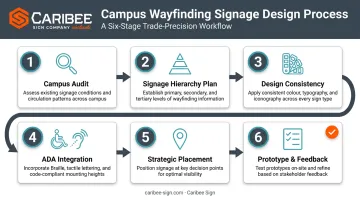
Good wayfinding works as a coordinated system, built through a clear, repeatable design process rather than a handful of individually attractive signs.
- Conduct a campus wayfinding audit. Walk key routes as a first-time visitor would. Note confusing intersections, missing signage, and inconsistent branding between older and newer buildings.
- Build a signage hierarchy plan. Categorize primary signage (entrance and monument), secondary signage (building ID), and tertiary signage (room-level) before anyone designs a single sign face.
- Establish design consistency. Lock in a shared color palette, typography, iconography, and material palette. A CNC-routed, laser-engraved sign system produced under one roof (as opposed to sourced from five different vendors) makes this consistency far easier to hold across dozens of buildings.
- Integrate ADA requirements from the start. Specify raised tactile characters, Grade 2 braille, non-glare contrast finishes, and correct mounting heights in the design phase, not as a punch-list fix later.
- Plan strategic placement. Position signs at intersections, entrances, and elevator lobbies based on real foot traffic, not convenient wall space. Both UConn and Pittsburg State's standards place directional signs before intersections, giving people time to react instead of scrambling last-minute.
- Prototype and gather feedback. Test wording and placement with students, staff, and visitors with disabilities before rolling signage out campus-wide. What reads clearly to a designer doesn't always read clearly to someone unfamiliar with the campus.
Best Practices for ADA-Compliant Campus Wayfinding
A few principles separate wayfinding systems that work from ones that generate complaints and repair tickets.
Keep it simple. Limit text per sign and lean on universally recognized icons and arrows. This reduces cognitive load for everyone, and it matters even more for international visitors and first-generation students unfamiliar with campus jargon.
Stay consistent everywhere. Identical fonts, colors, and symbol systems across every building (old and new) prevent people from having to relearn the system each time they cross campus.
Treat ADA compliance as non-negotiable. These requirements carry legal weight, and auditors enforce them strictly.
| Requirement | Specification |
|---|---|
| Tactile character height | 5/8 inch to 2 inches |
| Character raise height | At least 1/32 inch |
| Braille type | Contracted Grade 2, domed dots |
| Mounting height (baseline) | 48 to 60 inches above floor |
| Finish | Non-glare, light-on-dark or dark-on-light contrast |
These specifications come from the U.S. Access Board's Chapter 7 guide on signs. Note that the Access Board sets contrast direction but does not publish a numeric contrast ratio, despite what some sign vendors claim.
Combine static and digital wayfinding. Durable ADA plaques handle the permanent, legally required information. Digital kiosks handle room changes, event schedules, and closures that shift week to week. Neither replaces the other.
Partner with a manufacturer that specializes in ADA compliance. This is where a lot of sign companies get burned on campus projects. A room ID plaque with braille spaced wrong, or a mounting height that's two inches off, can fail an audit even if the design looks great.
Caribee Sign works as a go-to wholesale partner for sign companies fabricating ADA-compliant campus signage. In-house braille translation and CNC-precision tactile production keep every plaque on spec, without slowing down fulfillment on multi-building orders.
Schedule periodic signage audits. New construction and renovations create wayfinding gaps that the original signage plan never accounted for. A system designed five years ago rarely anticipates the new science building or the reconfigured parking structure.
Real-World Examples of Campus Wayfinding Signs
Three sign categories tend to show up in almost every well-executed campus system:
- Monument and entrance signage at main campus entries, blending institutional branding with basic directional cues, often a visitor's first impression of campus
- ADA-compliant interior signage, including braille room plaques and tactile directories near elevators and stairwells, built from durable materials like brushed stainless steel or two-tone acrylic
- Digital and interactive signage, such as touchscreen maps in student unions or lobby directories that update live as room assignments change
These physical, ADA-governed pieces (room ID plaques, tactile directories, restroom signage) are what wholesale manufacturers like Caribee produce at volume. Sign companies rely on this steady supply to serve school districts and university campuses nationwide.

Frequently Asked Questions
How do you create or design campus wayfinding signage?
Start with a campus audit walking key routes as a first-time visitor would, then build a signage hierarchy plan. Layer in ADA compliance from the design phase, then prototype and test placement before full rollout.
What are best practices for campus wayfinding signage?
Keep messaging simple, maintain identical fonts and colors across every building, and treat ADA specs as mandatory rather than optional. Update static signage promptly whenever building layouts change to prevent visitor confusion.
What are the main types of campus wayfinding signage?
Identification signs (building nameplates), informational signs (hours, amenities), directional signs (arrows, directories), and regulatory/ADA signs (accessible symbols, restroom directionals) make up the four core categories.
What are examples of campus wayfinding signs?
Braille and tactile room ID plaques near elevators, ADA-compliant restroom signage, and printed directory boards in student unions are common examples across most campus systems.
Is ADA compliance mandatory for all campus wayfinding signage?
Most permanent interior signs identifying a specific room or space require tactile characters and braille. Exterior signage follows different standards, but accessibility still applies, especially at accessible entrances and parking.
How much does campus wayfinding signage typically cost?
Cost varies widely based on sign type, material, quantity, and customization, so there's no universal per-sign price. Working with an experienced ADA signage partner ensures accurate, compliant quotes scoped to your actual project.